Licensing Code
Once you are logged in you will be brought to this menu, select Options -> Settings -> License Settings
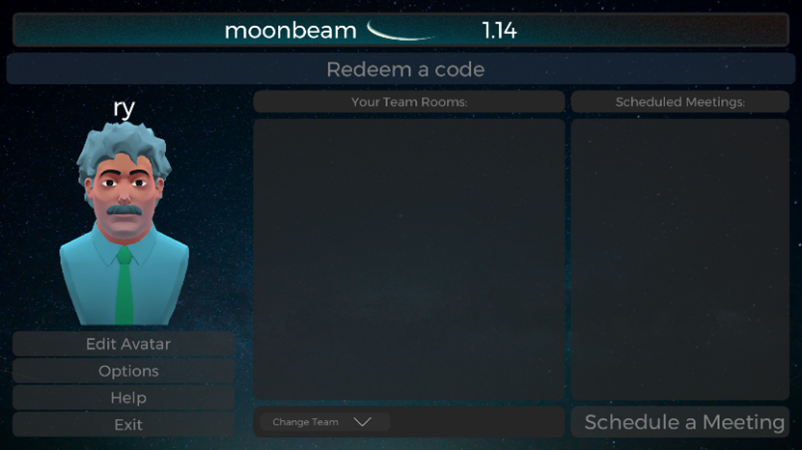
Figure 1
From this menu, fill out the license key received from Moonbeam
Note: The license key will currently be received through Moonbeam for the time being (Trial Licenses). In the future, a set number of license keys will be provided to the assigned administrator of the group. Administrators can be assigned in the main menu settings.
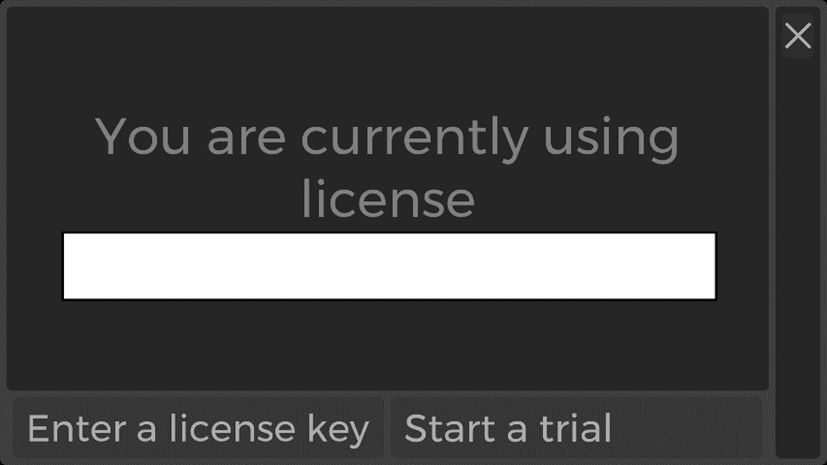
Figure 2